
Upgrade Production
Point it at a village and it raises the resource fields for you, one upgrade at a time, in the order that pays off fastest. You set the goal once and the bot keeps the queue fed until it is done.
Video

Setting it up
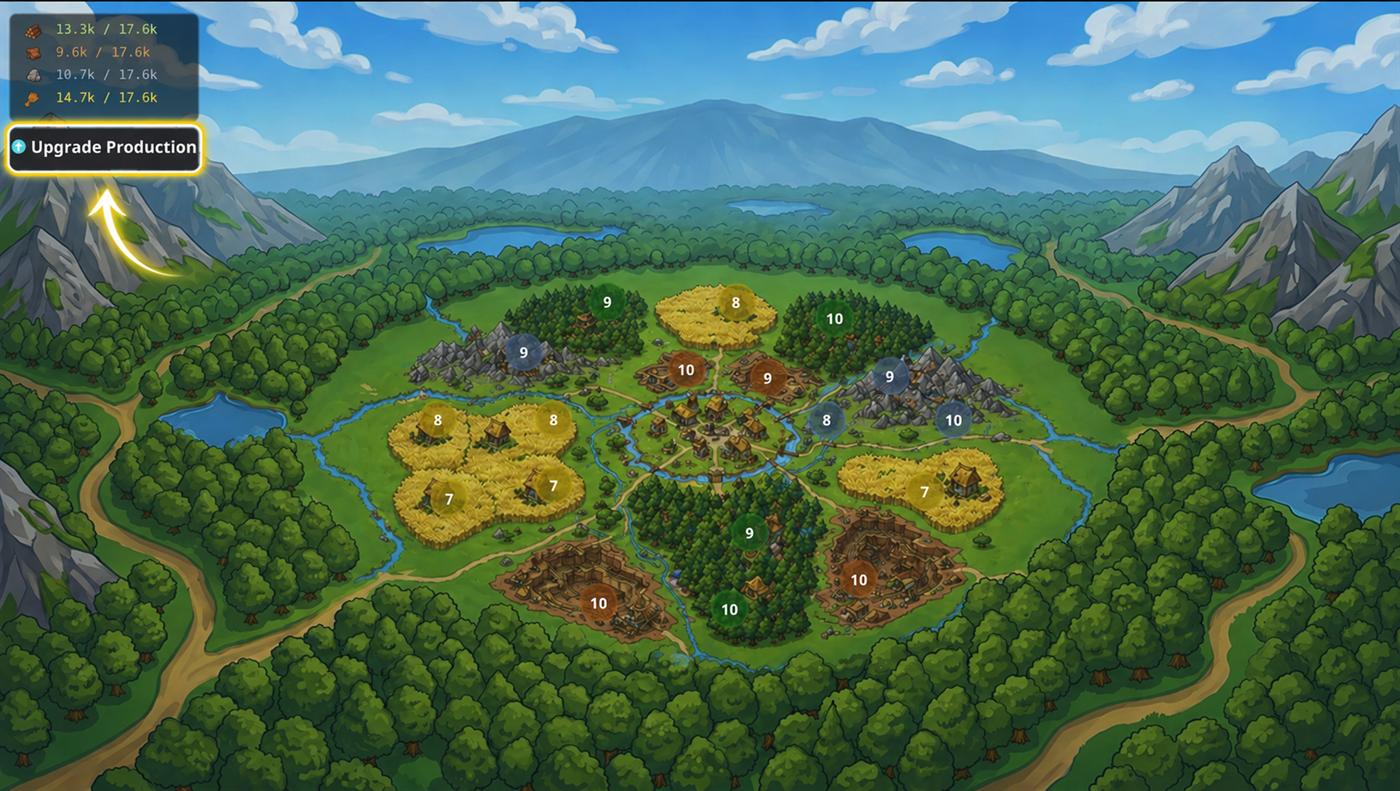
- Open the village, stay on the Production tab and press ⬆ Upgrade Production.
- Pick what to raise under Resource type. All production covers every field in the village. Narrow it to Wood, Clay, Iron or Crop when one resource is holding you back.
- Pick how far to go under Production mode. Name a level yourself, or hand the order over to the optimizer. The two modes are below.
- Press Add to queue.
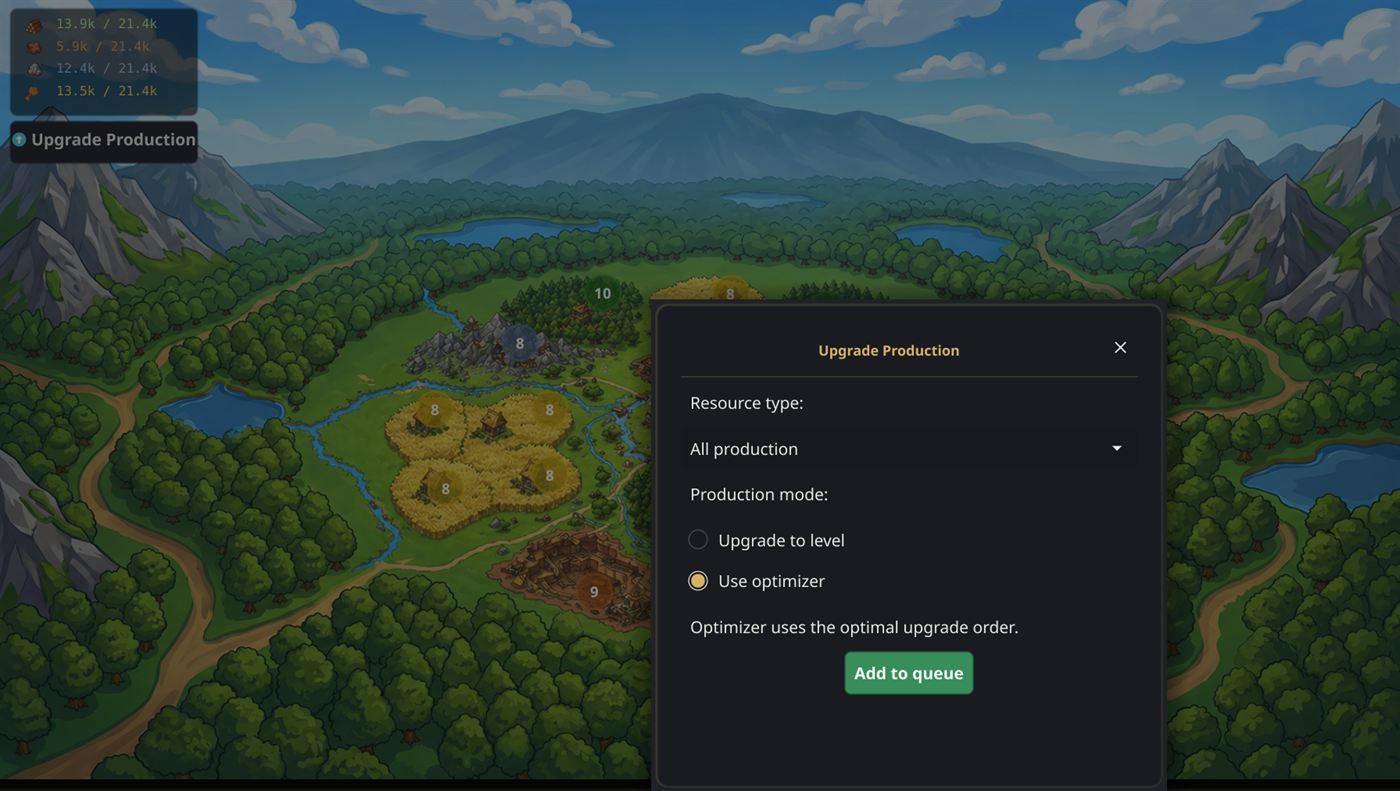
The first upgrade goes into the build queue straight away, and the next one follows on its own every time the queue empties. Choose Upgrade to level and a level box appears, already set to your highest field plus one, so the default is always a sensible next step. The ceiling is 10 in a normal village and 20 in your capital, and fields already at or above the target are skipped, never rebuilt.
The two modes
Upgrade to level
Brings every field of the chosen type up to the level you typed, lowest field first, and touches nothing else. Good for levelling a young village to 5, or finishing a set of fields off at 10.
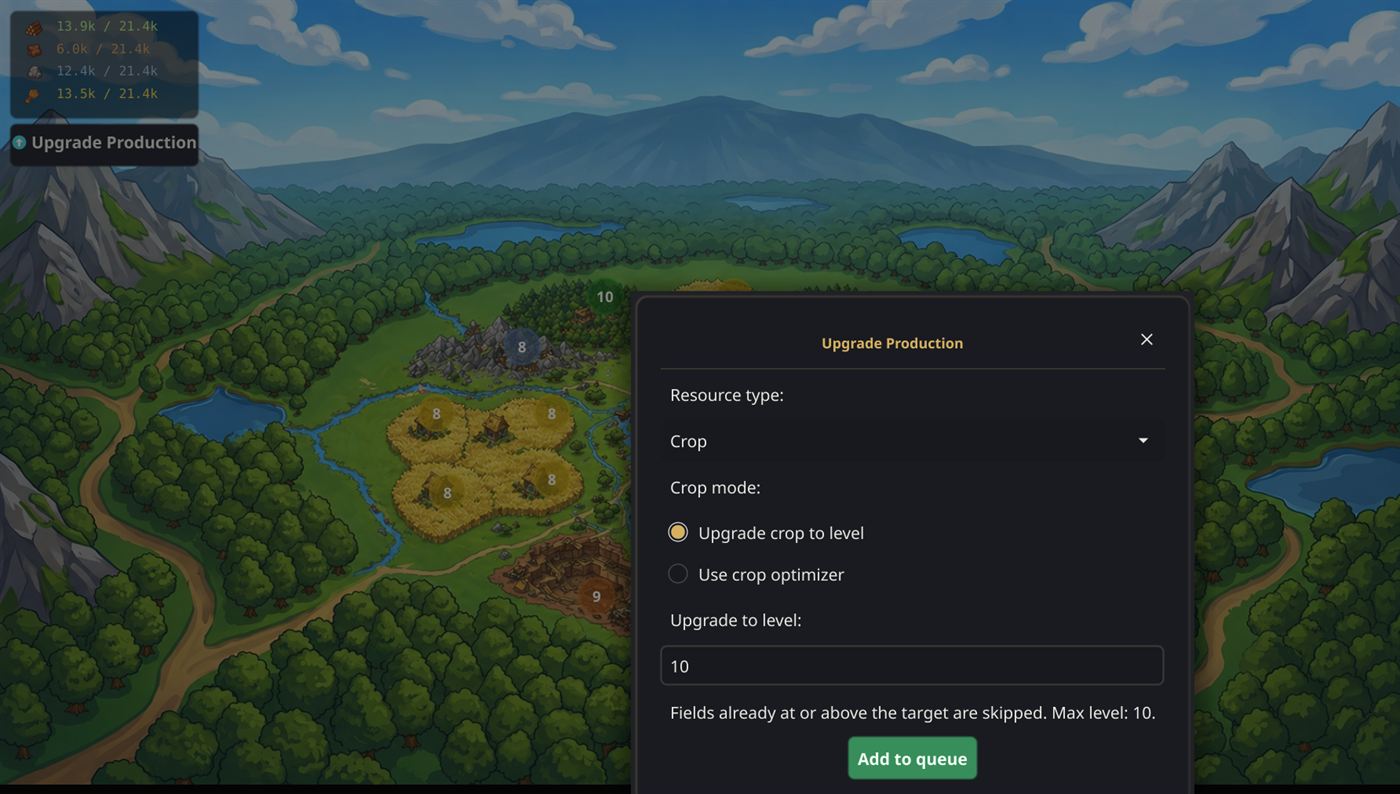
Use optimizer
Runs the fields to the village maximum, but not in a straight line: it also works in the production building that matches what you picked — Sawmill for wood, Brickyard for clay, Iron Foundry for iron — up to level 5, building it at the moment it returns more than another field level would. Pick All production and all three go into the mix. There is no target to type; it goes all the way.
Crop is different
Pick Crop and Production mode turns into Crop mode: either Upgrade crop to level — the plain mode above — or Use crop optimizer, which adds a second step.
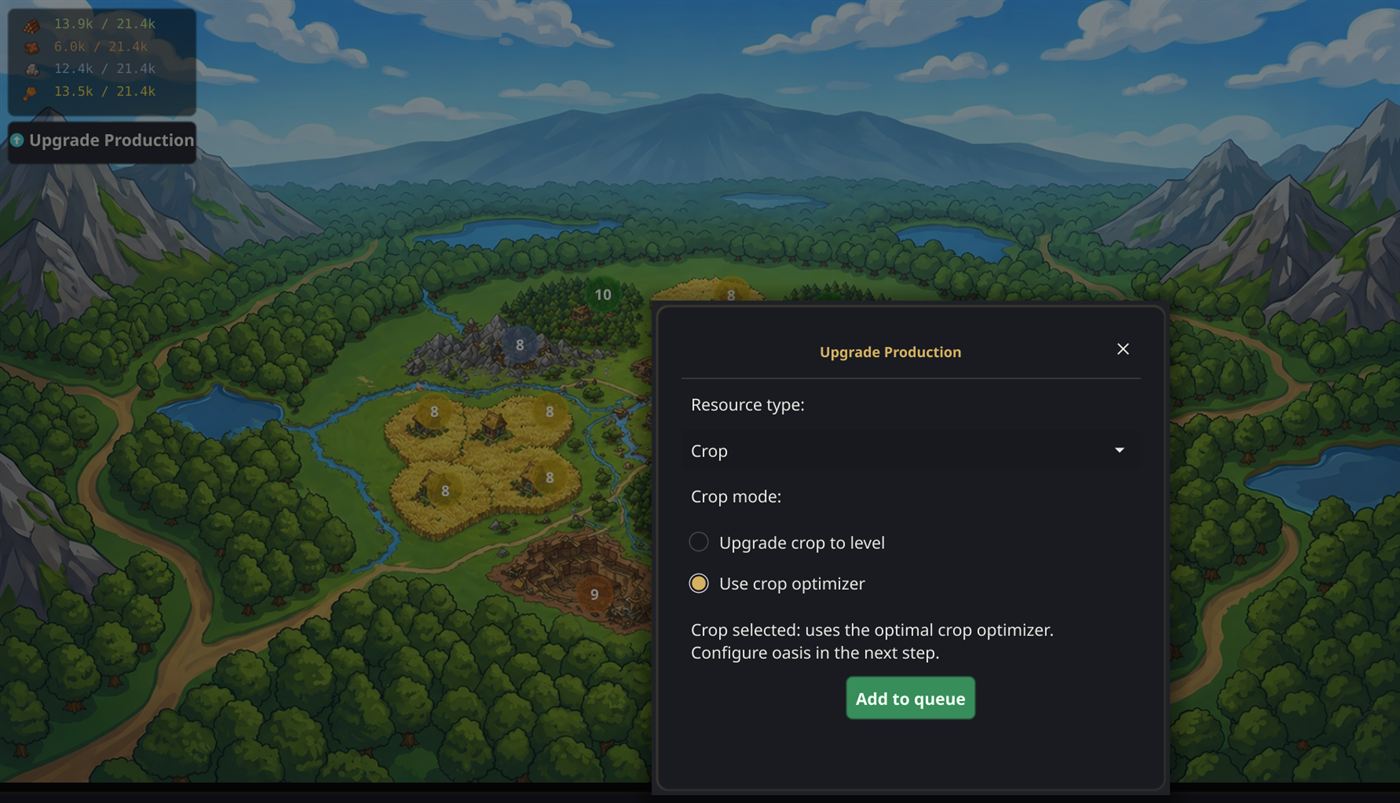
That step is Crop Oasis Types: three dropdowns — 0% / 25% / 50% each — where you tell it which oases the village can reach, highest first. Then press Start optimizer.
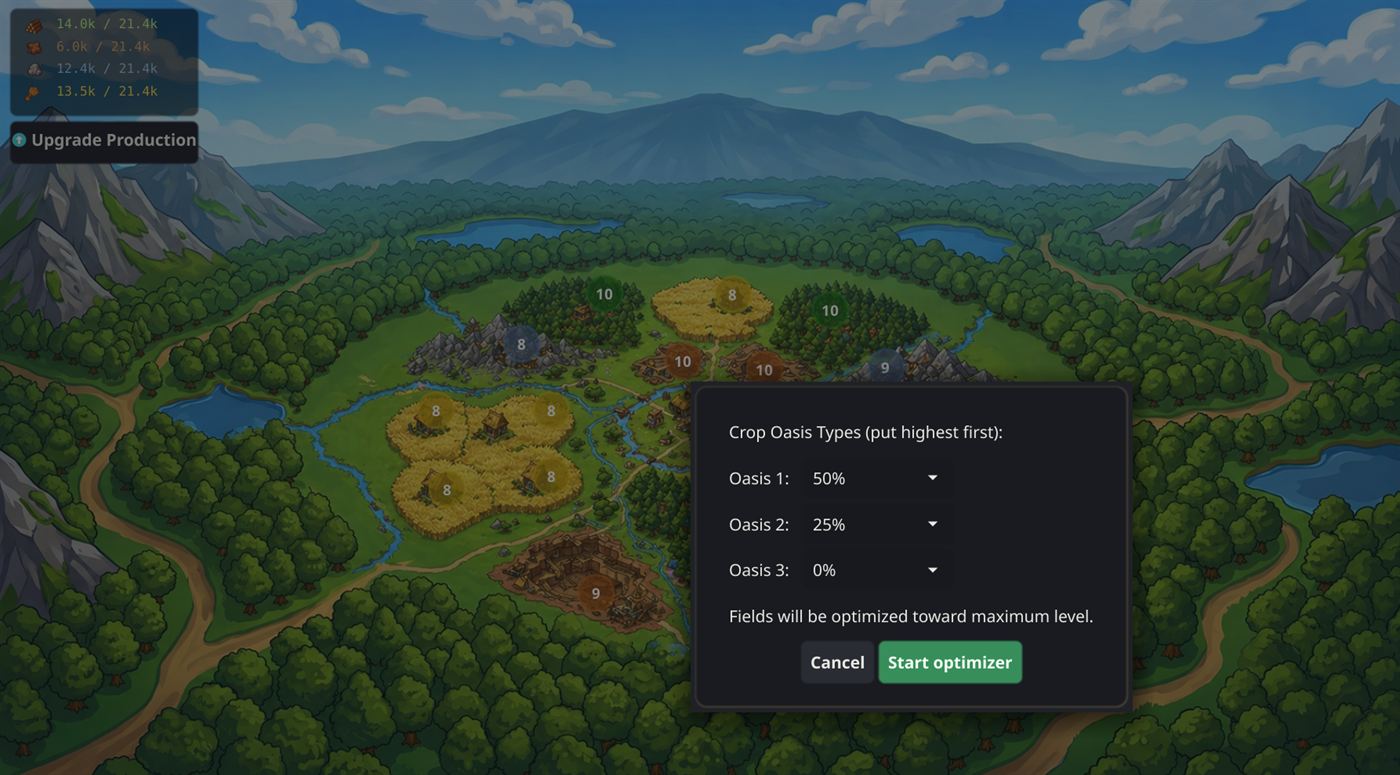
From then on it weighs croplands against the Grain Mill, the Bakery and the Hero Mansion — the mansion pays for itself by capturing an oasis — and always takes whichever gives the most crop per resource spent. Egyptian players in a city also get the Waterworks in the mix.
While it runs
A line under the build queue shows the goal, and keeps refreshing whether the bot is on or off:
Pack [Wood optimizer] → Lv10 (4/4 fields)
The crop optimizer words it its own way:
Crop optimizer (0/6 fields ≥10)
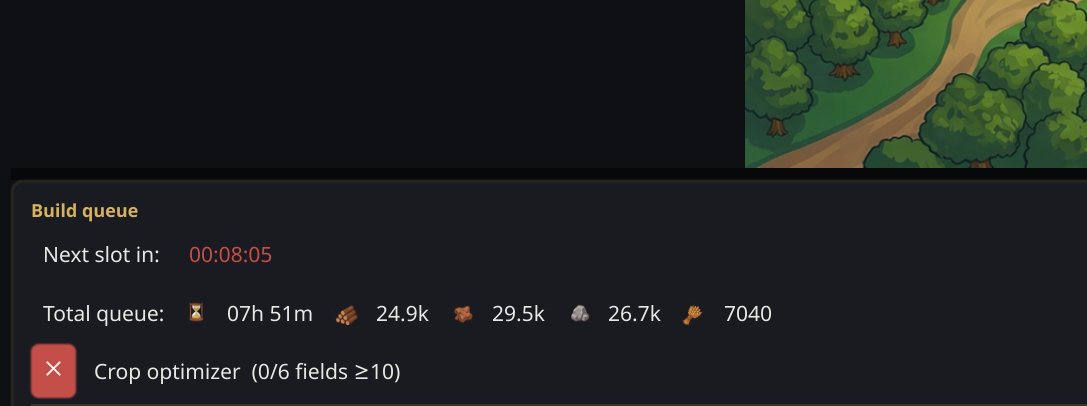
Press the red ✕ to stop at any time. Anything already in the build queue stays there; only the automatic top-ups stop. When it finishes, the line disappears and the log says Resource pack complete.
Good to know
- One upgrade at a time. It never floods your queue — there is only ever a single automatic item in it, so you are free to queue your own buildings alongside.
- It spends where you are poorest. On All production it checks your stock each round and upgrades the resource you have least of.
- Warehouse trouble solves itself. If the next upgrade costs more than your Warehouse or Granary can hold, the bot queues the storage upgrade first, then carries on.
- One goal per village. Each village keeps its own, so you can run the optimizer in your capital and a plain level 5 push in a new village at the same time.