
Enemy attack detector
The Enemy attack detector keeps an eye on your villages while the bot runs and warns you as soon as one of them is under attack: with a popup on your PC and, if you want, a WhatsApp message. It can also move your troops out of the way before the attack lands.
Video
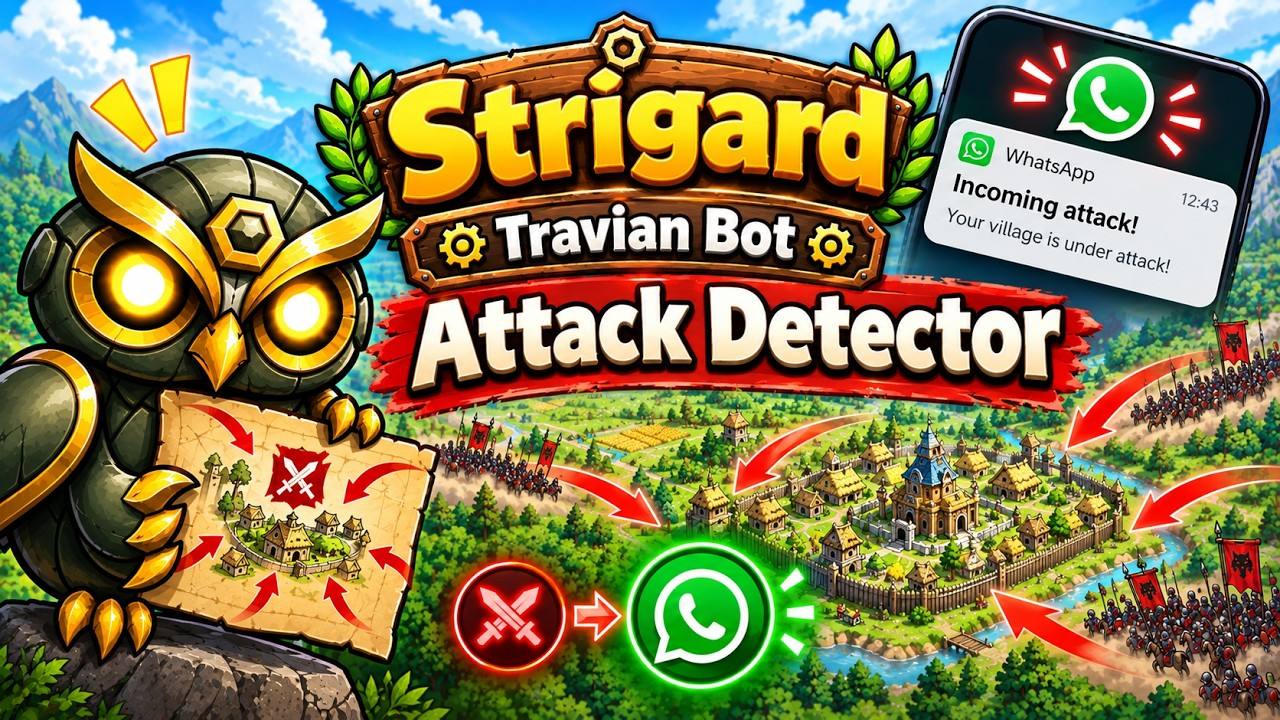
What it does
The detector watches your villages the way a player would. When one of them comes under attack, Strigard shows a Windows popup that stays on top of every other window, with a sound: Incoming troops detected! Village: <village>.
You get one alert per village. While that village is still under attack, it does not warn you again. It picks up both attacks and raids.
Turning it on
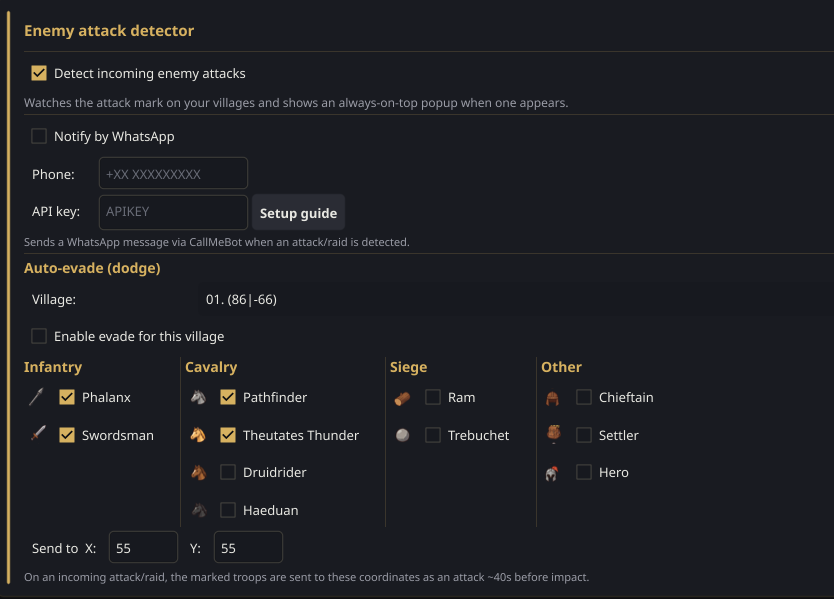
- Open the Account settings tab and find the Enemy attack detector group.
- Tick Detect incoming enemy attacks.
- Turn the bot on (BOT ON). The detector only watches while the bot is running and inside its active hours, which you set in the Daily active group of the same tab.
Alerts on WhatsApp
Optional and free, through CallMeBot. With it on, every alert also reaches your phone as ⚔ Incoming attack on <village>, so you hear about it even when you are away from the PC.
Get your API key
You only need to do this once.
- Add CallMeBot's number to your contacts: +34 694 26 48 06. It is the same number for everyone.
- Send it this exact WhatsApp message: I allow callmebot to send me messages
- It replies with API Activated for your phone number. Your APIKEY is 123123. That number is your API key.
Fill it in
- Paste the key into API key:.
- In Phone:, enter your own WhatsApp number with your country code: +34 for Spain, +52 for Mexico, +44 for the UK, and so on.
- Tick Notify by WhatsApp.
The Setup guide button next to the API key has these steps in the app too.
Auto-evade: move your troops out
Auto-evade sends your troops away from a village just before an attack lands, so they are not at home when the enemy arrives. You set it up for each village separately.
- In Auto-evade (dodge), pick the village in Village:.
- Tick Enable evade for this village.
- Tick the troops to send away. They are grouped as Infantry, Cavalry, Siege and Other, plus the Hero.
- Enter the coordinates to send them to in Send to X and Y.
When an attack comes
The bot checks at the Rally Point when the first attack lands. About 40 seconds before impact, it sends every available troop of the types you ticked as an attack to your X / Y coordinates. They come back on their own afterwards, like after any attack. If a faster wave turns up behind the first one, the bot works out the departure again.
Good to know
- The bot has to be running. The detector only watches with BOT ON and inside your Daily active hours. Outside them, it does not watch.
- It is not instant. It notices attacks while the bot is working. When the bot is idle, it checks your villages every so often: every 20 to 60 minutes, or every 5 to 15 minutes if auto-evade is set up.
- It cannot tell you which troops are coming. The game does not show that either, so the alert only says which village is under attack.